Before You Click, Pay, or Reply - Check First.
Scams are getting harder to recognize.
A message may look like it came from your bank. A caller may know your name. A text may appear to be from a delivery company. Someone online may spend weeks building your trust before ever asking for money.
That does not mean you need to be afraid of using technology.
It means we need to get better at recognizing the warning signs.
Does this feel off? breaks down common scams in plain language so you can understand what is happening, what to look for, and what to do next.
Start With One Simple Rule
If someone contacts you unexpectedly and asks you to:
Send money
Buy gift cards
Transfer cryptocurrency
Click a Link
Download and app
Give them a verification code
Provide your password
Give remote access to your computer or phone
Move money to a “safe” account
Act immediately
STOP
Don’t worry about being rude. Don’t worry about missing an opportunity. Give yourself time to verify what’s happening on your own.
Common Scams To Watch For
-
Description text goes hereYou receive a text or phone call claiming there has been suspicious activity on your bank account.
The message may ask you to click a link, verify your information, provide a code, or transfer money.
What to do:
Do not use the link or phone number provided in the message.
Open your bank’s official app or call the number printed on the back of your bank card.
-
You receive a text saying a package cannot be delivered because your address is incomplete or a small fee is owed.
A like is provided to “fix” the problem.
What to do:
Don’t click the link.
Go directly to the carrier’s official website or app and enter your tracking number your self.
-
A scammer may pretend to be:
Your bank
The IRS or other government agency
Police or law enforcement
A utility company
A family member
Your boss
A well-known company
They often create fear or urgency to prevent you from stopping to verify the situation.
What to do:
End the call or conversation and independently contact the person or organization using contact information you already know is legitimate.
-
You receive an urgent call or message claiming that the child, grandchild, or other family member has been arrested, injured, kidnapped, or stranded.
The caller may beg you not to call anyone
Modern technology can even make voices sound convincing.
What to do:
Hang up and contact your family member directly.
If you cannot reach them, contact another trusted relative before sending any money.
-
Someone you meet online becomes emotionally close very quickly.
Eventually there may be an emergency, investment opportunity, travel problem, medical situation, or another reason they need money.
Warning signs can include:
They constantly avoid meeting in person
They make excuses not to video chat
The relationship becomes serious unusually quickly
Financial emergencies repeatedly appear
They ask for gift cards, cryptocurrency, wire transfers, or loans
Never let embarrassment stop you from asking someone you trust for a second opinion.
-
A pop-up, phone call, email, or message claims that your computer or phone has been hacked, infected, or compromised.
Someone offers to “fix” the problem remotely.
Be especially cautious if they ask you to:
Install remote-access software
Give them control of your screen
Log into your bank while they are watching
Send money for repairs
Purchase gift cards
Legitimate companies generally do not unexpectedly contact you because they supposedly detected a problem with your device.
-
Buying and selling online comes with it’s own risks.
Be cautious when someone:
Wants to communicate outside the platform immediately
Sends you a verification code
Claims they accidentally overpaid you
Sends a suspicious payment email
Wants to pay you outside the marketplace
Offers significantly more than your asking price
Pressures you to act quickly
Stay within the platform’s official payment and messaging system whenever possible.
-
Be extremely cautious when someone promises:
Guaranteed returns
Little or no risk
Secret investment opportunites
Huge profits in a short period of time.
Scammers often use social media, dating apps, messaging apps, and fake investment websites to build trust before asking for increasingly larger deposits.
If someone guarantees you will make money, that alone should make you stop and investigate.
Think Something Might Be a Scam?
Before you do anything
Stop communicating.
Don’t click any additional links.
Don’t send money or information.
Take screenshots if you can do so safely.
Verify the situation independently.
Ask someone you trust for a second opinion.
And if you still aren’t sure
Ask the Community
Join the Does This Feel Off? Facebook group and get another perspective before you act.
Please remove or cover personal information before sharing screenshots.
Never post passwords, Social Security numbers, account numbers, verification codes, or other sensitive information.
Already Sent Money or Information?
Act quickly but don’t panic.
Depending on what happened, consider contacting:
Your bank or credit card company
The company through which you sent the payment
The account or platform involved
Your local law-enforcement agency when appropriate
The Federal Trade Commission at ReportFraud.ftc.gov
The FBI’s Internet Crime Complaint Center for internet-related fraud when appropriate
Change compromised passwords and enable two-factor authentication on affected accounts.
Be especially careful after losing money to a scam.
Scam victims are frequently targeted again by people claiming they can recover the lost money for a fee.
Remember
Being targeted by a scam does not mean you are foolish.
Scammers succeed by creating believable situations and manipulating normal human emotions such as fear, trust, excitement, and concern for loved ones.
The best defense is often very simple.
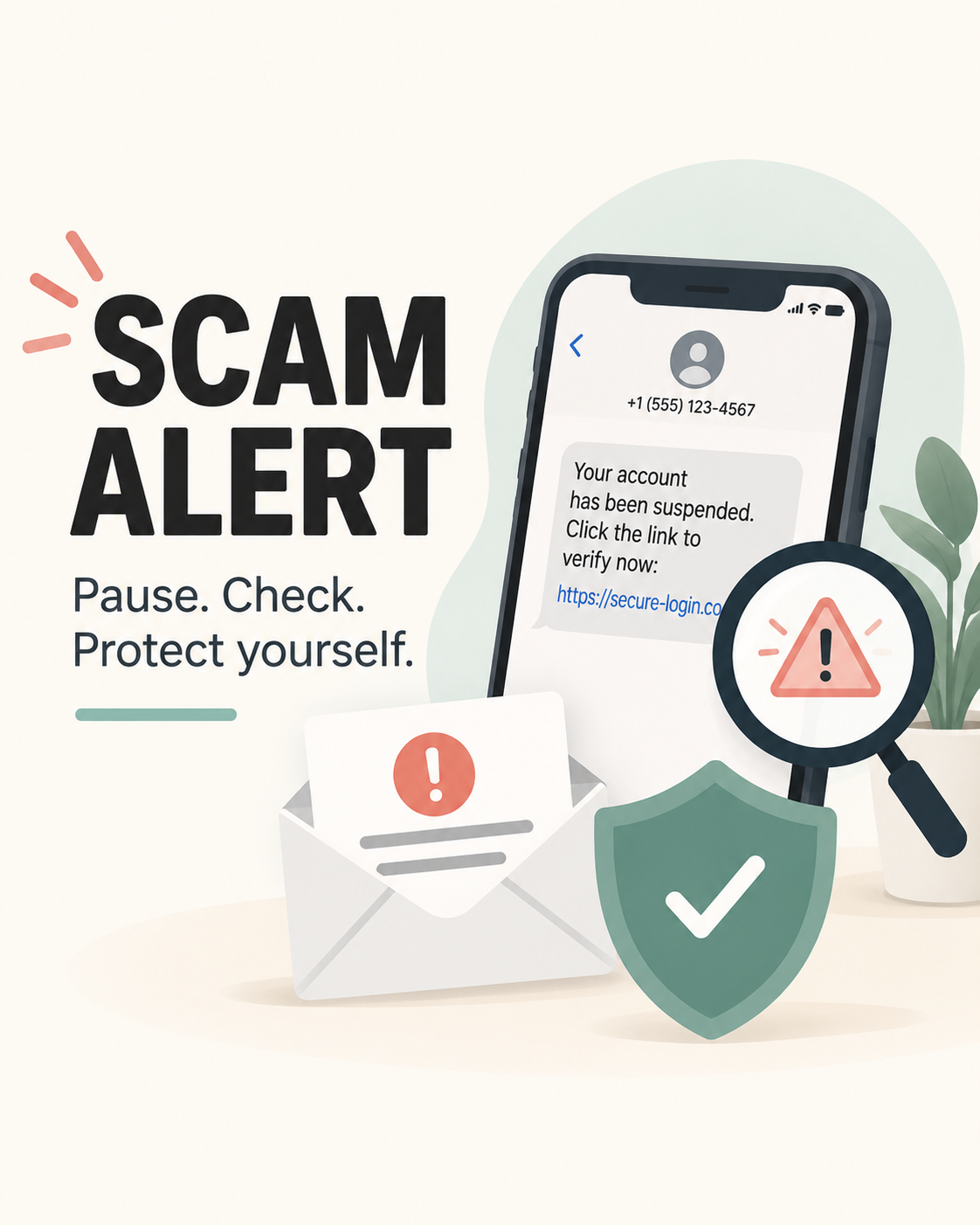
Pause. Check. Protect yourself.
Have a Question or Something Suspicious?
Not sure about a message, email phone call, online offer, or other situation?
Send a general question here and I’ll point you toward the most helpful information I can.
Important: Do not include passwords, verification codes, Social Security numbers, or other sensitive personal information.
For opinions on a specific situation, you can also join the Does This Feel Off? Facebook community.